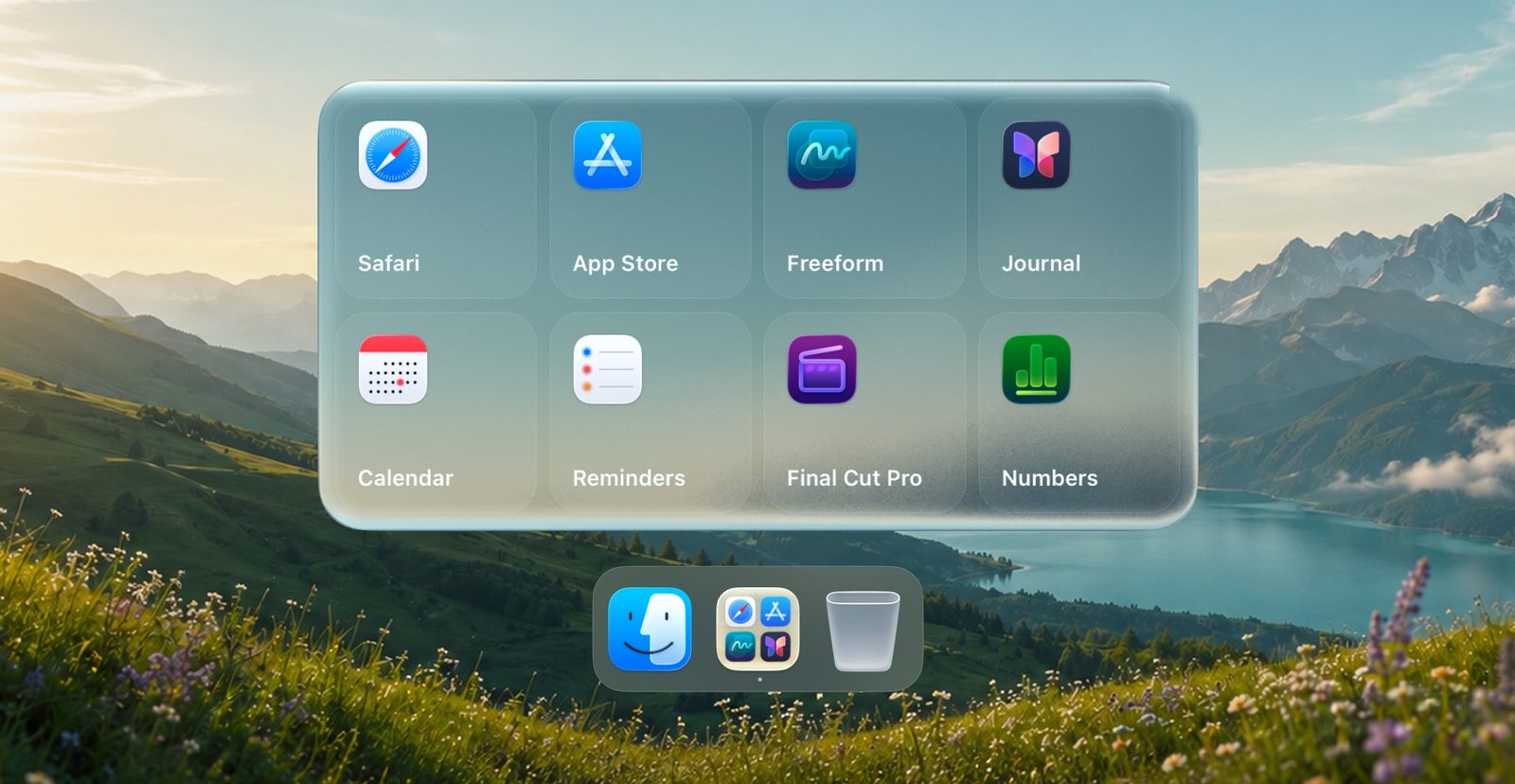
Launchpad replacement apps for macOS Tahoe
macOS Tahoe removed Launchpad. If you miss the full-screen grid of apps, a few apps bring it back. If you only opened the same handful of apps, you may not need a grid at all.
What to look for
- Import of your old layout. Some apps rebuild your Launchpad pages and folders in one click.
- Folders you make yourself, not categories macOS picks for you.
- How you open it: a trackpad gesture, a hot corner, a key or the Dock.
- The price: all three below have a free version.
LaunchOS
The closest to the Launchpad Apple made, down to the glass look of macOS Tahoe. It can import your old Launchpad layout. The free version covers the basics; a one-time Pro license adds custom grids, a scrolling view, hot corners and the F4 key. You download it from the developer’s site. Needs macOS 26 or later.
LaunchNext
Free and open source, on GitHub. It imports your old Launchpad layout with its folders and app positions, and lets you change icon sizes and hide labels. A good pick if you want Launchpad back and don’t want to pay. Needs macOS 26 or later.
Launchie
A full-screen grid you arrange yourself, with as many folders as you like in the free version. It can import layouts from Launchpad, LaunchNext and LaunchOS. You can get it from the Mac App Store, the developer’s site or Homebrew. A paid Pro version adds more. Needs macOS 26 or later.
Without installing anything
Open Spotlight and press Command-1 to see all your apps, sorted into categories by macOS. Or drag the Applications folder to the Dock and show it as a grid. Neither lets you make your own folders. More on both: how to keep your apps in folders without Launchpad.
If you only opened a few apps
Many people used Launchpad to reach the same few apps. For that, a folder in the Dock is quicker than a full-screen grid. TinyFolder puts a folder of the apps you choose right in the Dock: one click opens it above the tile, and its icon is made from the apps inside. It’s free on the Mac App Store. Step by step: how to make app folders in the Mac Dock.